Atomcraft Wrench Tool: Batch Filters, Sensors, and Programmable Pixels
Use the Atomcraft Wrench to batch-configure filters, sensors, and match filters on programmable pixels, highlight zones, and wiring setups from the June 2026 update.
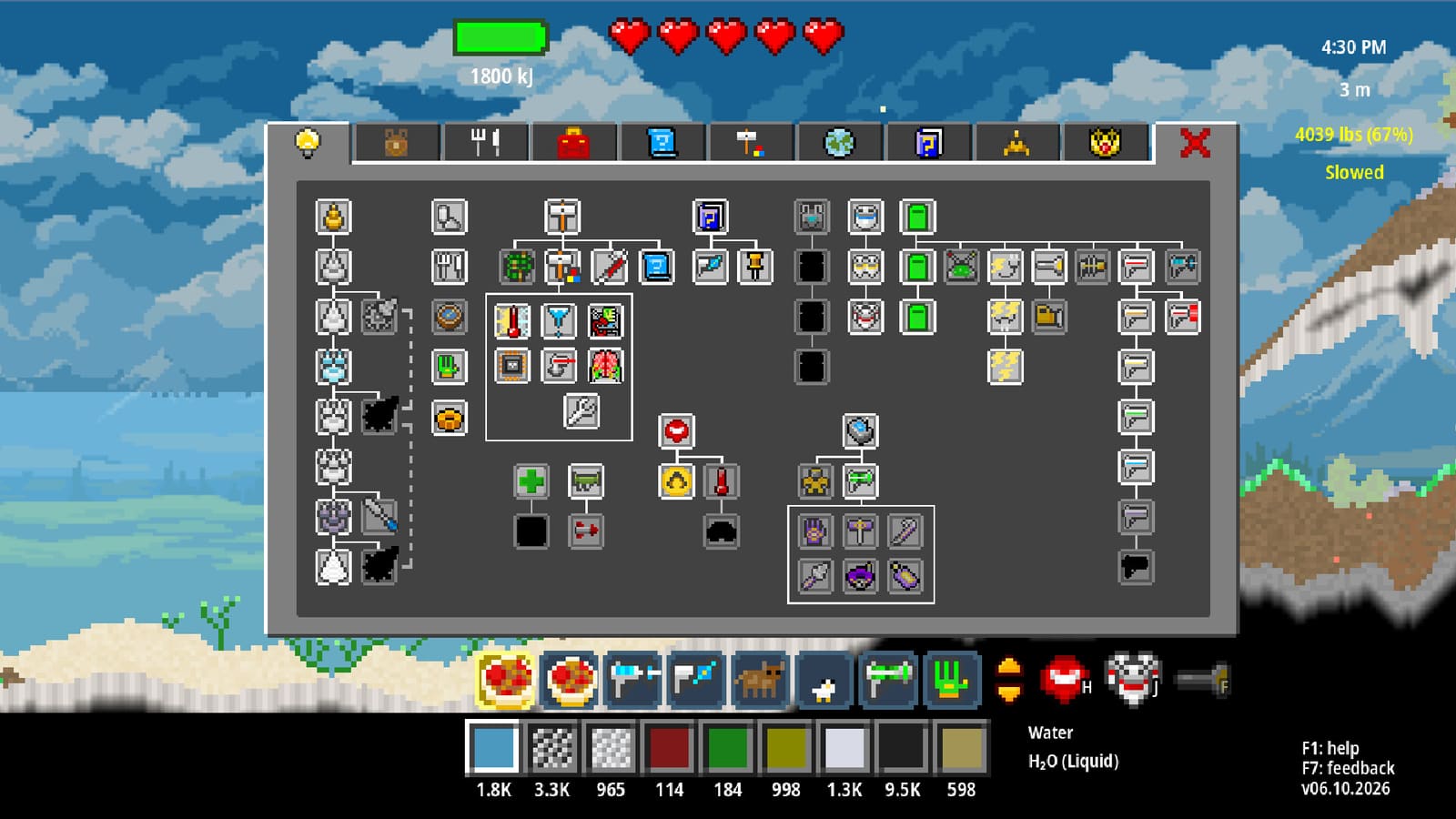
Atomcraft Wrench Tool
The Wrench is Atomcraft’s configuration multitool for the automation layer. Introduced in the June 2026 devlog alongside programmable pixels, it lets you batch-program filters, sensors, and match filters without clicking every mechanical pixel one by one. Pair it with wiring and logic builds and the automation guide once Research Points unlock mechanical pixels.
What the Wrench does
In Atomcraft, many mechanical pixels need rules: what material they accept, what they detect, or how they respond to neighbors. The Wrench opens those rules in a highlight zone—you paint a region, then apply one setting to every eligible pixel inside it.
Core Wrench jobs:
- Filters — restrict which pixels pass through conveyors, droppers, or gates.
- Sensors — define what presence or material triggers a signal.
- Match filters — pair input patterns with output routing for sorters and logic bays.
- Programmable pixels — assign behavior templates across a floor without rewiring.
If you already use the tool overview for Hand and Blueprint discipline, treat the Wrench as the editor for pixels you already placed.
Watch: automation and programmable pixels
Highlight zone workflow
- Equip the Wrench and open its configuration panel.
- Draw or expand a highlight zone over the pixels you want to edit.
- Choose filter, sensor, or match-filter mode.
- Set the rule once—material type, signal threshold, or pattern match.
- Confirm; every covered pixel inherits the same rule.
This is the QoL breakthrough from the June 2026 patch notes: a twenty-pixel sorter line no longer demands twenty separate Enter sessions. For deep dives on pixel types, see programmable pixels.
Batch filters versus single-pixel edits
Batch filters shine when lanes are symmetric: ore belts, charcoal feeds, purge chutes. Select the whole lane, set “Cuprite only” or “block molten pixels,” and move on.
Single-pixel edits still matter at junctions—where a filter meets a logic gate or a sensor watches one tile. Use the Wrench narrowly at corners; use highlight zones on straight runs.
| Task | Wrench approach |
|---|---|
| Straight ore conveyor | Highlight zone + material filter |
| Blender intake | Sensor on small zone |
| Sorter branch | Match filter per output arm |
| Emergency bypass | One-pixel filter override at a button |
Sensors and match filters with the Wrench
Sensors answer yes/no questions for logic gates: is ore present, is the chamber full, is heat above a band? Batch-configure sensors along a belt so each watches the same pixel kind, then wire them into AND/OR trees from wiring and logic.
Match filters are sorter brains. They compare incoming patterns—color, phase, or material class—and route to the matching exit. Program them in a highlight zone over the sorter core, then test with Left-Ctrl sample pixels before connecting hazardous lines.
Programmable pixels via highlight zone
Programmable pixels generalize doors, movers, and custom cells. The Wrench assigns their script or template across a floor plate:
- Draw the zone over the programmable grid.
- Pick a behavior preset or copy from an adjacent working cell.
- Apply; verify with a button test before unattended runs.
Gun-pixel and specialized programmable cells from the June 2026 devlog follow the same pattern: place pixels with the Blueprint tool, configure behavior with the Wrench. Details live on programmable pixels.
QoL: Hammer, Crowbar, and Wrench settings save
The same update that added batch Wrench work also made Hammer, Crowbar, and Wrench remember their last settings between sessions. That sounds minor until you alternate between tearing down a bad lane (Crowbar), placing stamps (Hammer), and re-filtering a belt (Wrench).
Practical habit:
- Configure the Wrench once per project type—forge feed, electrolysis bay, sorter hall.
- Switch tools without re-opening every submenu.
- Return days later; settings persist like drill tier selection.
Pairing the Wrench with wiring
Wiring carries signals; the Wrench defines what those signals mean. A typical bay:
- Blueprint tool places conveyors, doors, sensors.
- Wrench batch-sets filters on input lanes.
- Wrench batch-sets sensors on choke points.
- Wiring connects sensors to logic gates and actuators.
- Button override on the main trunk for panic stops.
Read how to automate machines for conveyor-first projects, then add Wrench passes when lines grow past manual clicking.
Common Wrench mistakes
- Zone too large — accidentally reconfigured neighbor pixels outside the intended lane.
- Wrong mode — applied a filter when you meant a sensor; signals stay dead.
- Untested match filters — sorter sends nitroglycerin-class pixels down the wrong chute.
- Skipping Left-Ctrl samples — filters look correct in UI but fail on mixed piles.
- Heat zones — configuring pixels mid-forge heat; walk to the cool side first.
Wrench checklist before unattended runs
- Highlight zone covers only the target pixels.
- Filters block cross-contamination on fuel and ore belts.
- Sensors fire on the material you actually stock.
- Match filters tested with three sample inputs each.
- Button halt still works after batch edits.
- Hammer/Crowbar/Wrench settings saved for your next session.
The Wrench turns Atomcraft automation from a click marathon into factory engineering. Master highlight zones, batch filters, and sensor templates, then let programmable pixels and wiring and logic carry the rest.
Frequently Asked Questions
Quick answers tied to this page.
What is the Atomcraft Wrench used for?
The Wrench batch-configures filters, sensors, and match filters on mechanical and programmable pixels using a highlight zone, so you edit whole lanes at once.
How do highlight zones work with the Wrench?
Draw a zone over eligible pixels, set one rule, and every pixel inside inherits that filter, sensor, or match-filter configuration.
Do Hammer and Crowbar settings save too?
Yes. The June 2026 QoL update persists last-used settings for Hammer, Crowbar, and Wrench between sessions.
When should I use match filters instead of simple filters?
Use match filters on sorters and routing cores where incoming patterns must map to specific outputs; use simple filters on straight supply belts.
Does the Wrench replace the Blueprint tool?
No. Blueprint tool places mechanical pixels; the Wrench configures their behavior after placement.