Upgrade Pinning in Atomcraft
Pin frequently used upgrades to the upper toolbar
Upgrade Pinning in Atomcraft
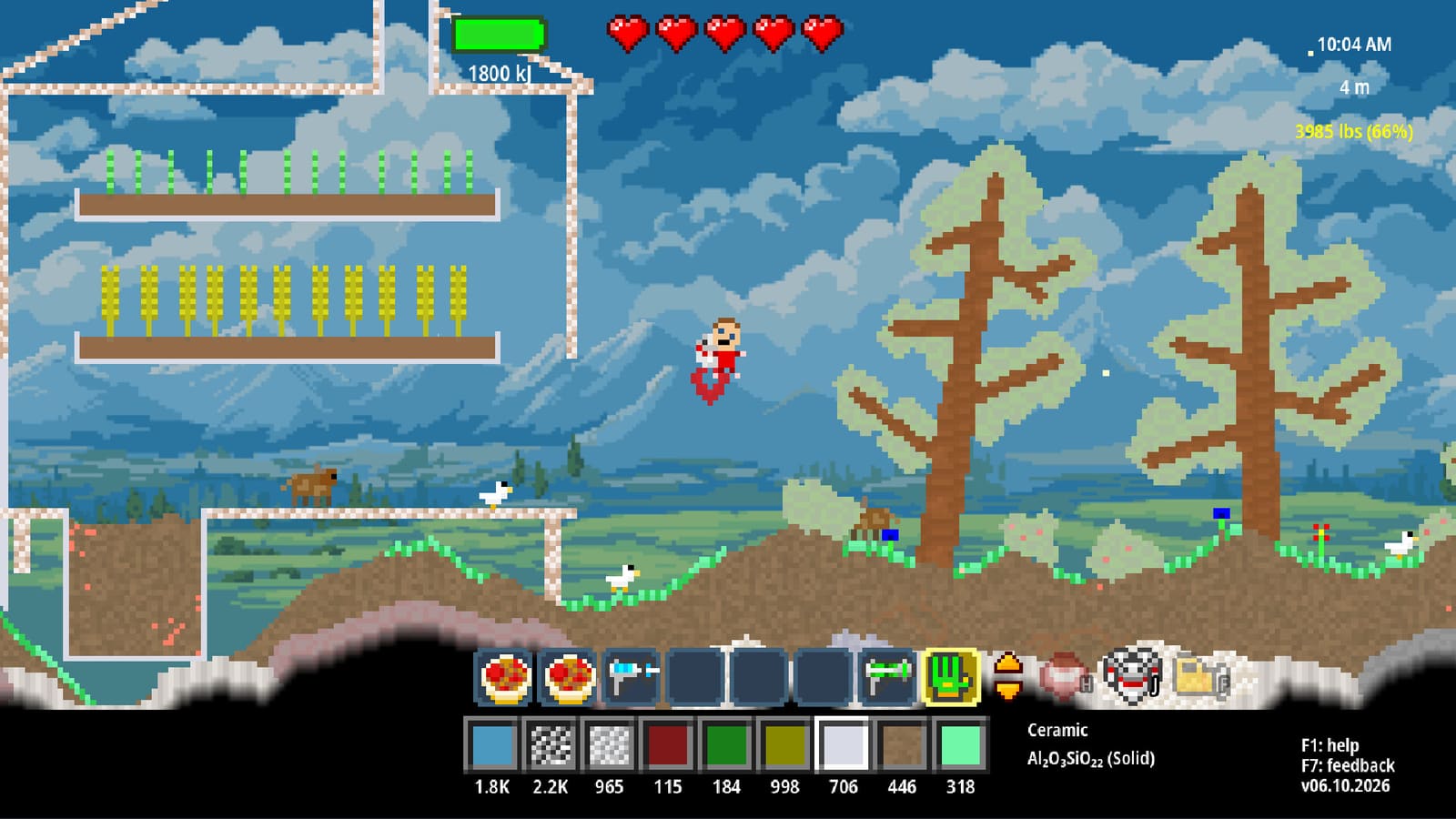
The August 13, 2026 update (Build 24704265) introduced Upgrade Pinning — a quality-of-life feature that lets you pin frequently used upgrades to the upper toolbar for quick access.
What is Upgrade Pinning?
Upgrade Pinning solves a common frustration: navigating through the upgrade tree every time you want to purchase a frequently used upgrade. Instead of scrolling through the full tree, you can pin your most-used upgrades to the upper toolbar for one-click access.
How to pin an upgrade
- Open the upgrade tree in-game
- Find an available-to-purchase upgrade
- Hold Shift while hovering over the upgrade
- Click the Pin icon on the tooltip
- The upgrade appears in your upper toolbar
Once pinned, you can purchase the upgrade directly from the toolbar without opening the full tree.
Why Upgrade Pinning matters
The upgrade tree in Atomcraft grows as you progress. Late-game players may have dozens of upgrades available, making frequently purchased items harder to find. Upgrade Pinning addresses this by:
- Reducing navigation time — no more scrolling through the tree for common upgrades
- Improving workflow — pin tool upgrades while building, equipment upgrades while exploring
- Organizing by playstyle — different players use different upgrades frequently
Practical uses for Upgrade Pinning
Building-focused players
Pin upgrades you purchase frequently while building:
- Tool durability upgrades
- Building speed enhancements
- Material efficiency upgrades
Exploration-focused players
Pin upgrades that aid exploration:
- Walk-Through-Walls Boots
- Flashlight upgrades
- Movement speed upgrades
Late-game players
Pin endgame upgrades:
- Mega Crowbar
- Teleporter
- Health Regen upgrades
Combining with Multitool
The August 2026 update introduced both Upgrade Pinning and the Multitool. Players who switch between building and upgrading frequently benefit from:
- Multitool for fast building and demolition
- Upgrade Pinning for quick access to the next tool upgrade
- Pinned Upgrades in the upper toolbar while the Multitool occupies a main slot
This combination makes the build-upgrade-test loop much faster.
Related pages
- Tool Overview — all Atomcraft tools and upgrades
- Multitool — combined Hammer and Crowbar tool
- Walk-Through-Walls Boots — pinned upgrade for exploration
- System Requirements — performance for smooth building workflows
Frequently Asked Questions
Quick answers tied to this page.
How do you pin upgrades in Atomcraft?
Hold Shift on any available-to-purchase upgrade in the upgrade tree, then click the Pin icon on its tooltip to add it to the upper toolbar. This gives you quick access without navigating the full upgrade tree.
What upgrades can you pin in Atomcraft?
Any upgrade that is available to purchase in your current progression can be pinned. This includes tool upgrades, equipment upgrades, and ability enhancements that appear in the upgrade tree.
How many upgrades can you pin?
The upper toolbar has limited space. Players should pin their most frequently purchased upgrades rather than every available upgrade.
Does upgrade pinning affect gameplay?
Upgrade pinning is purely a quality-of-life feature. It does not affect upgrade functionality or progression — it simply makes accessing frequently purchased upgrades faster.