Atomcraft Multitool
Combined Hammer and Crowbar for extra-fast building
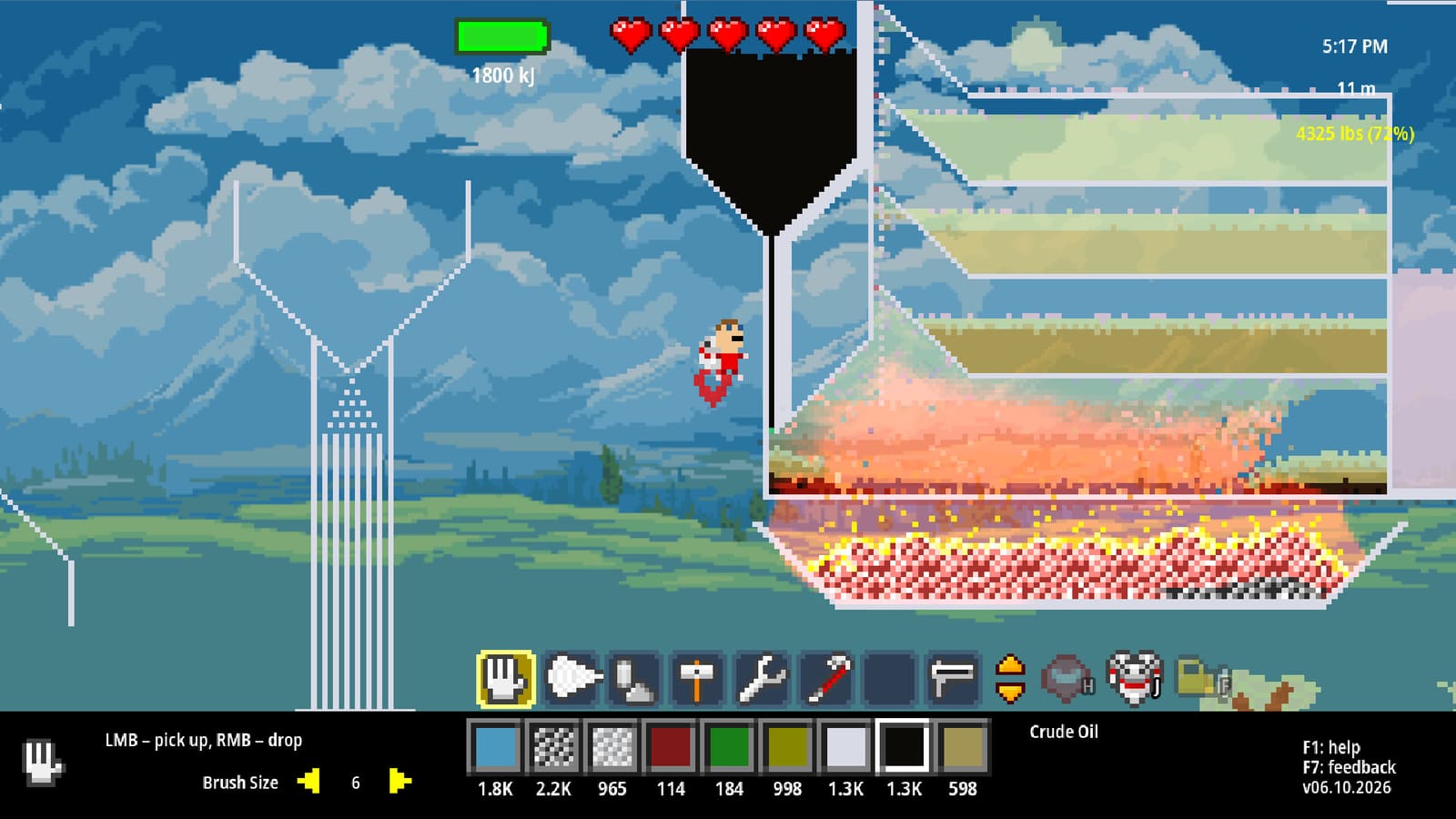
Atomcraft Multitool
The August 13, 2026 update (Build 24704265) introduced the Multitool — one of the most requested quality-of-life improvements. This tool combines the functions of the Hammer and Crowbar into a single slot, enabling extra-fast building without constant tool swapping.
What is the Multitool?
The Multitool is a combined tool that performs both Hammer and Crowbar functions:
| Action | Input | Result |
|---|---|---|
| Place pixel | Left-click | Places selected material |
| Unbuild + collect | Right-click | Removes pixel and auto-collects it |
This eliminates the need to switch between Hammer and Crowbar constantly during building and demolition workflows.
How to unlock the Multitool
The Multitool becomes available after you unlock the Crowbar. Check your Material Guide or upgrade tree to see the specific unlock requirements. The Multitool represents a late-game quality-of-life upgrade rather than a progression requirement.
When to use the Multitool
The Multitool excels in these scenarios:
Factory teardowns and rebuilds
When redesigning a factory or blender line:
- Use the Multitool’s right-click to unbuild sections
- Materials automatically collect as you demolish
- Immediately start rebuilding with left-click
- No tool switching interrupts your flow
Material collection
The Multitool’s auto-collect feature makes harvesting materials from old builds much faster:
- Removes need for manual pickup after demolition
- Collects all pixel types automatically
- Works with Mega Crowbar-style unbuilding
Rapid iteration
When testing factory layouts:
- Place pixels with left-click
- Right-click to undo and recollect
- Adjust and rebuild immediately
- Perfect for prototyping new designs
Multitool vs separate tools
| Scenario | Multitool | Separate Hammer + Crowbar |
|---|---|---|
| Demolishing and rebuilding | Faster | Slower (tool switching) |
| Material collection | Automatic | Manual pickup needed |
| Toolbar space | One slot | Two slots |
| Muscle memory | May need adjustment | Familiar workflow |
| Right-click material drop | Not available | Available on separate tool |
Upgrade pinning with Multitool
The August 2026 update also introduced Upgrade Pinning alongside the Multitool. Hold Shift on any available upgrade in the upgrade tree to pin frequently used upgrades to the upper toolbar for quick access. This pairs well with the Multitool for players who switch between building and upgrading frequently.
Tips for using the Multitool
- Rebind right-click if you use pixel dropping frequently — the Multitool’s right-click is dedicated to unbuilding
- Pair with Material Belt for quick material access while building
- Use with Blueprint tool for placing stamp layouts then immediately customizing with the Multitool
- Consider keeping a spare Crowbar for right-click material dropping if that is part of your workflow
Related pages
- Tool Overview — all Atomcraft tools and their roles
- Walk-Through-Walls Boots — another July 2026 mobility upgrade
- Wrench — for adjusting wiring and mechanical pixels
- How to Automate Machines — building factories that benefit from fast tool switching
Frequently Asked Questions
Quick answers tied to this page.
How do you unlock the Multitool in Atomcraft?
The Multitool becomes available after you unlock the Crowbar. It combines Hammer and Crowbar functions into one toolbar slot, letting you build and demolish faster without switching tools.
What does the Multitool do in Atomcraft?
The Multitool combines Hammer and Crowbar functions: left-click to place pixels from your selected material, right-click to unbuild pixels and automatically collect them. This eliminates the need to swap between Hammer and Crowbar constantly.
Is the Multitool better than using Hammer and Crowbar separately?
The Multitool saves toolbar space and reduces switching time. For most building workflows, it is faster. However, some players prefer keeping separate slots for specific muscle memory workflows.
When should I use the Multitool?
Use the Multitool whenever you are demolishing and rebuilding structures, collecting materials from unbuilt machines, or rapidly iterating on factory layouts. It shines during teardowns and rebuilds.