Atomcraft Material Belt Upgrade
Ten rows of material shortcuts so mid-game chemistry stops fighting your hotbar.
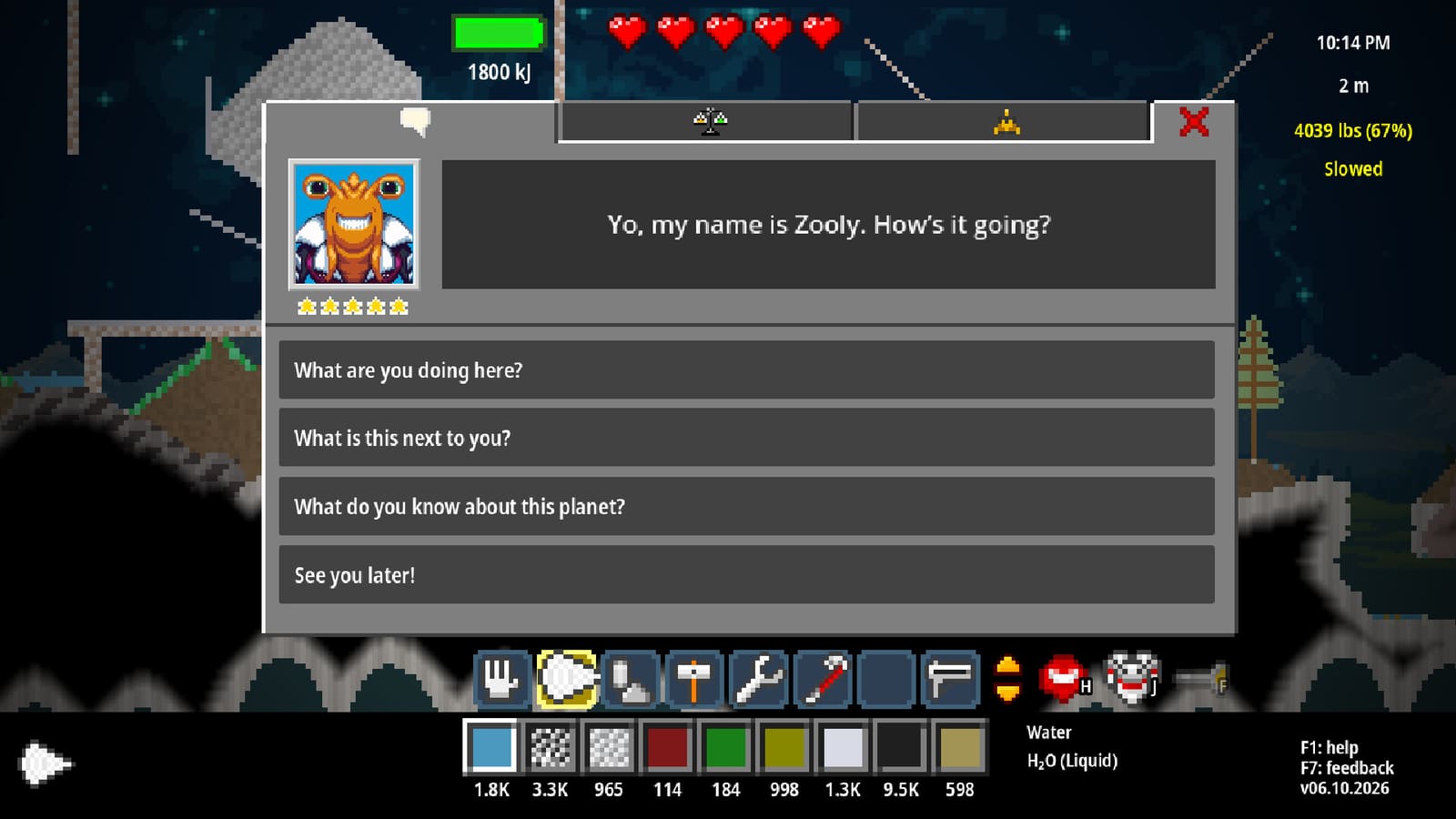
Atomcraft Material Belt Upgrade Guide
The Material Belt is one of Atomcraft’s most requested upgrades. It expands bottom-screen material shortcuts to ten rows, giving you room for forge fuels, acids, alloys, mechanical pixels, and tracked recipe ingredients at once. This page explains how to unlock the mental model for the belt, how to lock slots, and how to combine it with Material Tracking.
Why the Material Belt matters
Early Atomcraft forces brutal hotbar triage: charcoal, clay, Cuprite, Firestarter tools, and food already fill a tiny strip. Mid-game adds Sulfuric Acid, Fluorite, Carbon, electrodes, conveyors, and cooling elements. Without the belt, you constantly overwrite the wrong slot mid-reaction. Ten rows turn that chaos into a labeled lab bench.
Suggested row layout
- Fuels: Wood chips, Charcoal, Coal
- Early metals: Cuprite, Copper, Cassiterite, Tin
- Iron age: Hematite, Iron, Carbon, Steel
- Acids: Sulfur, Water, Sulfuric Acid, Fluorite
- Cave specials: Bauxite, Cobaltite, Galena, Sylvanite
- Buried City: Columbite, Lepidolite, Borax, Pyrolusite
- Mechanical pixels: Conveyor, Sensor, Door, Wire metals
- Heat control: Heating Element, Cooling Element, Heat Insulator
- Food / QoL: cooked staples, medical/utility items
- Active experiment: whatever the current recipe needs
Adjust freely, but keep row 10 disposable so experiments never overwrite your permanent acid row.
Lock slots with L
A July 2026 QoL update added lock functionality for material slots: hover a slot and press L to toggle a lock. Locked slots resist accidental replacement — essential when nukes, Accelerator products, or pipette grabs tempt you to dump glowing isotopes onto your charcoal row. Full hotkey context lives in Controls Hotkeys.
Combine with Material Tracking
Pin materials with the eye button, then middle-click pinned recipe ingredients into belt slots. Workflow:
- Pin the recipe chain in the guide.
- Middle-click ingredients into belt rows.
- Follow sparkles in the world.
- Return to smelt using the same rows.
See How to Track Materials and the interactive Material Finder.
Hammer, Crowbar, Wrench settings
Recent patches save/restore settings for Hammer, Crowbar, and Wrench and highlight toolbox slots that can receive an item. Keep those tools consistent so belt reorganization does not fight toolbox logic. Toolbox swap safety was also hardened around the Nuke Launcher patch to reduce save corruption risk.
When to unlock the belt relative to other tools
Prioritize the Material Belt once you leave pure early-game and start maintaining acid + alloy loops simultaneously — typically after Copper Drill and a stable forge. If you are still on Plastic/Wood drills, finish Early Game Walkthrough first. If you already chase synthetics, belt space becomes mandatory beside Radioactivity gear.
Pair with the Toolbelt
The Toolbelt expands toolbar rows (tools). Keep dig/build/specialty tools on the Toolbelt and chemistry shortcuts on the Material Belt — separate upgrades that share Ctrl+Mousewheel row switching.
Related pages
The Material Belt will not invent recipes for you — it simply stops your inventory from sabotaging the recipes you already know.
Frequently Asked Questions
Quick answers tied to this page.
How many rows does the Atomcraft Material Belt add?
The Material Belt upgrade provides ten rows of material shortcuts along the bottom of the screen.
How do I lock a material slot?
Hover the slot and press L to toggle a lock so accidental replacements are blocked.
When should I unlock the Material Belt?
Unlock it once you juggle acids, alloys, and mechanical pixels together — usually after a stable Copper-era forge.
Does the belt work with Material Tracking?
Yes. Pin materials, middle-click pinned ingredients into belt slots, then follow sparkles while gathering.
Can locked slots still be changed intentionally?
Toggle the lock off with L when you intentionally redesign a row, then lock again when the layout is stable.