Atomcraft Creative Mode Guide
What changed in the July 2026 hotfixes, how F2 editor access works, and when to use Creative Mode for safe reaction and automation testing.
Atomcraft Creative Mode Guide
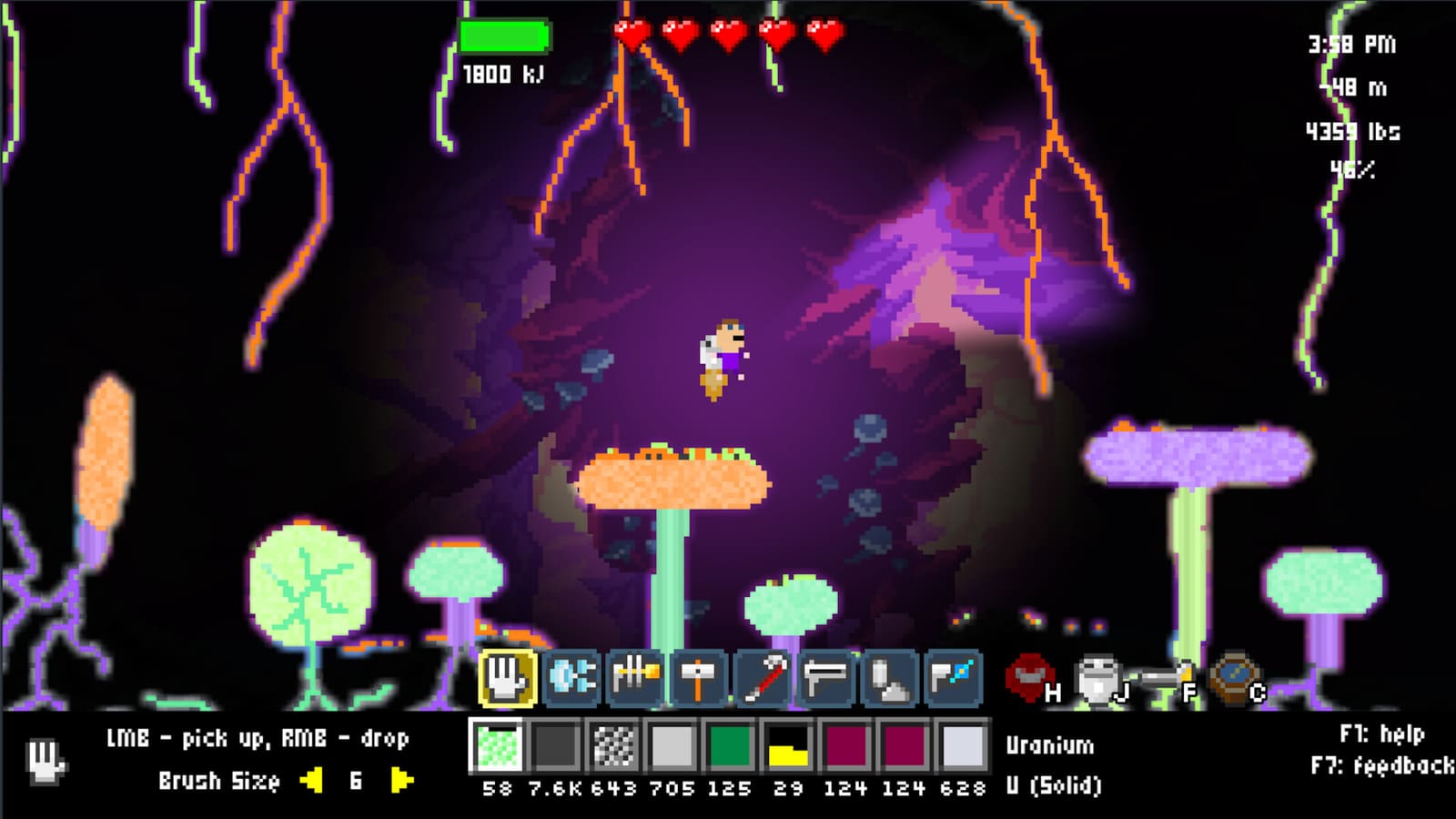
Creative Mode is Atomcraft’s sandbox lane for players who want to experiment without survival pressure. Late July 2026 Steam hotfixes sharpened what Creative Mode actually does: no encumbrance warnings, no damage or air loss, free tool upgrades, and no Steam achievements while the mode is active. This page explains those rules, how F2 Editor Mode restrictions interact with Creative play, and practical workflows for testing builds and reactions safely before you commit resources in a survival world.
For the raw changelog context, start with Atomcraft patch notes. For purchase and scope questions, return to the Review hub.
Watch: full release sandbox context
What Creative Mode is for
Creative Mode exists so chemistry and automation ideas can be prototyped without losing a base to one wrong acid pour or one mis-timed door. You still place pixels, wire logic, and run reactions — the physics engine does not turn off — but the survival tax is removed. That makes Creative Mode the right place to:
- Prototype conveyor layouts before copying them into a Research Points run.
- Test energetic recipes inside blast lanes without jeopardizing ship storage.
- Iterate door timing sequences for blenders and quench pits.
- Learn tool upgrades instantly instead of grinding unlock costs.
Creative Mode is a laboratory, not a cheat code for progression. Achievements do not unlock while you are in it, and habits you learn there still need translation into encumbrance-aware survival inventory management.
July 2026 hotfix rules (Steam)
The late July 2026 hotfix batch documented in patch notes clarified Creative Mode behavior players had been asking about since the launch window:
| Rule | Creative Mode behavior |
|---|---|
| Encumbrance | No encumbrance warning — carry and place freely for testing |
| Damage | Player damage disabled — stand near hazards while debugging timing |
| Air / breath | No air loss — deep cave tests without oxygen logistics |
| Tool upgrades | Free upgrades — try laser width, belt rows, and drill tiers immediately |
| Achievements | Disabled — switch back to survival before hunting Steam badges |
An earlier July patch also fixed Creative encumbrance edge cases and pipette / shift-pickup quirks that made sandbox inventory feel broken. If your client predates those fixes, update before trusting this table.
Free upgrades: what changes in practice
Free upgrades remove the Research Points gate for tool capabilities while Creative Mode is active. That matters because many safe-reaction and automation builds assume:
- Material Belt rows for quick reagent access.
- Laser width adjustments (Alt + mousewheel after the laser-width upgrade).
- Higher drill tiers for sampling unknown ores in test chambers.
Use free upgrades to answer “does this layout work?” not “am I ready for Buried City?” Unlock costs and ship restoration still define survival progression; Creative Mode only skips the friction while you iterate.
F2 Editor Mode restrictions
F2 Editor Mode is separate from Creative Mode but overlaps in player mindshare. Since the July 22, 2026 patch, F2 toggles editor-style access only after you enter the console command editor. Accidental F2 presses during normal survival no longer dump you into an editor state you did not intend.
Practical guidance:
- Treat F2 as a power-user affordance, not a tutorial step.
- Experiment on a backup save even in Creative Mode.
- If you need editor access, open the console deliberately, type
editor, then use F2 as documented in Hotkeys. - When finished, exit through on-screen prompts rather than guessing Esc patterns mid-reaction.
Creative players prototyping wiring should still learn normal door and sensor placement — editor shortcuts can hide placement mistakes that break in survival.
Use case: testing builds safely
Factory layouts fail in boring ways: wrong belt direction, power not reaching a sensor, product doors opening too early. Creative Mode lets you rebuild ten times in an hour.
Suggested workflow:
- Carve an disposable chamber far from any survival save you care about.
- Clone the spine you want to test — input hopper, blender, output lane — using free upgrades for belts and tools.
- Run inert batches (sand, water, harmless powders) until door order is muscle memory.
- Promote to survival by screenshotting logic layout and rebuilding with real encumbrance rules.
Deep dives: Wiring and Logic for door timing and sensors, How to Automate Machines for conveyor discipline.
Use case: testing reactions safely
Energetic chemistry is where Creative Mode saves the most real progress. Nitroglycerin-class processes, acid chains, and radioactive test loops can delete workshops when reagents meet in the wrong order.
Creative Mode does not make reactions harmless — pixels still explode — but removing damage and air loss lets you supervise from a jetpack alcove while iterating timing. Combine Creative testing with the cell patterns from Safe Reactions:
- Input vestibule with Door A / Door B sequencing.
- Blender stage behind double walls.
- Blast lane aimed into rock, never toward a ship mockup.
- Manual kill switch reachable from outside the cell.
Run water and inert powders ten times before introducing real reagents. When the sequence is proven, rebuild the same geometry in survival with tiny batches.
What Creative Mode does not solve
Creative Mode is not a substitute for:
- Material discovery — new compounds still require experimentation or Material Guide reading.
- Achievement hunting — leave Creative Mode before pursuing Steam badges.
- Multiplayer etiquette — confirm mode rules with your group if co-op expectations differ.
- Patch drift — reactions and balance still change; verify against patch notes after updates.
Creative vs survival checklist
| Question | Creative Mode | Survival |
|---|---|---|
| Will this door sequence work? | Yes — iterate freely | Only after prototype proof |
| Should I stand inside the blast lane? | Still no | Never |
| Do I need Research Points for tool upgrades? | No | Yes |
| Do achievements count? | No | Yes |
| Does encumbrance matter? | No | Yes |
Related pages
- Atomcraft patch notes — July 2026 hotfix changelog including Creative Mode rules.
- Safe Reactions — blast lanes, blenders, and timed doors for energetic chemistry.
- Wiring and Logic — sensors, corners, and power for factory cells.
- How to Automate Machines — conveyor workflows to prototype in Creative Mode.
- Hotkeys — F2 editor restriction and Creative Mode notes.
Creative Mode is how responsible Atomcraft players learn dangerous ideas without paying survival prices. Build the cell in Creative, time the doors, prove the sequence, then bring the blueprint back to the world that tracks your achievements.
Frequently Asked Questions
Quick answers tied to this page.
What does Creative Mode do after the July 2026 hotfixes?
No encumbrance warning, no player damage, no air loss, free tool upgrades, and no Steam achievements while Creative Mode is active.
Can I earn achievements in Atomcraft Creative Mode?
No. Achievements are disabled in Creative Mode. Switch to a survival world before hunting Steam badges.
How does F2 Editor Mode work with Creative Mode?
F2 editor access requires entering the console command editor first. Creative Mode and F2 are related sandbox tools but follow separate rules.
Should I test nitroglycerin-style reactions in Creative Mode?
Yes, for timing and layout iteration. Reactions still explode, but removing damage and air loss lets you debug door sequences safely using blast-lane patterns from the safe reactions guide.
Do free tool upgrades in Creative Mode carry over to survival?
No. Free upgrades apply only while Creative Mode is active. Survival progression still requires Research Points and normal unlock costs.