Atomcraft Guides
Learn the chemistry sandbox from first drill to automated factories
Atomcraft Guides
Welcome to the Atomcraft guides hub. Atomcraft by Triplejump is a 2D pixel chemistry sandbox survival game on Steam: every pixel can react, melt, burn, dissolve, or combine, and your progress depends on understanding those reactions as much as on digging deeper. This section is the practical path from stranded survivor to engineer who restores a wrecked spaceship and automates material production.
Use this page as your map. Each guide below is a focused walkthrough with controls, material recipes, and links to related topics so you can jump between early survival and mid-game chemistry without losing the thread.
What these Atomcraft guides cover
Atomcraft rewards curiosity. Digging with better drills unlocks harder ores. Building a forge turns ore pixels into metals. Restoring spaceship elements awards Research Points that expand what you can invent. Mechanical pixels—conveyors, sensors, heaters, and logic gates—let you stop hand-feeding every furnace. The guides in this hub follow that natural loop instead of dumping every recipe at once.
If you are brand new, start with How to Play Atomcraft. If you already understand movement and inventory, jump to How to Build a Forge in Atomcraft and begin smelting. When you need progression currency, read How to Get Research Points in Atomcraft and How to Repair the Spaceship in Atomcraft.
Recommended learning path
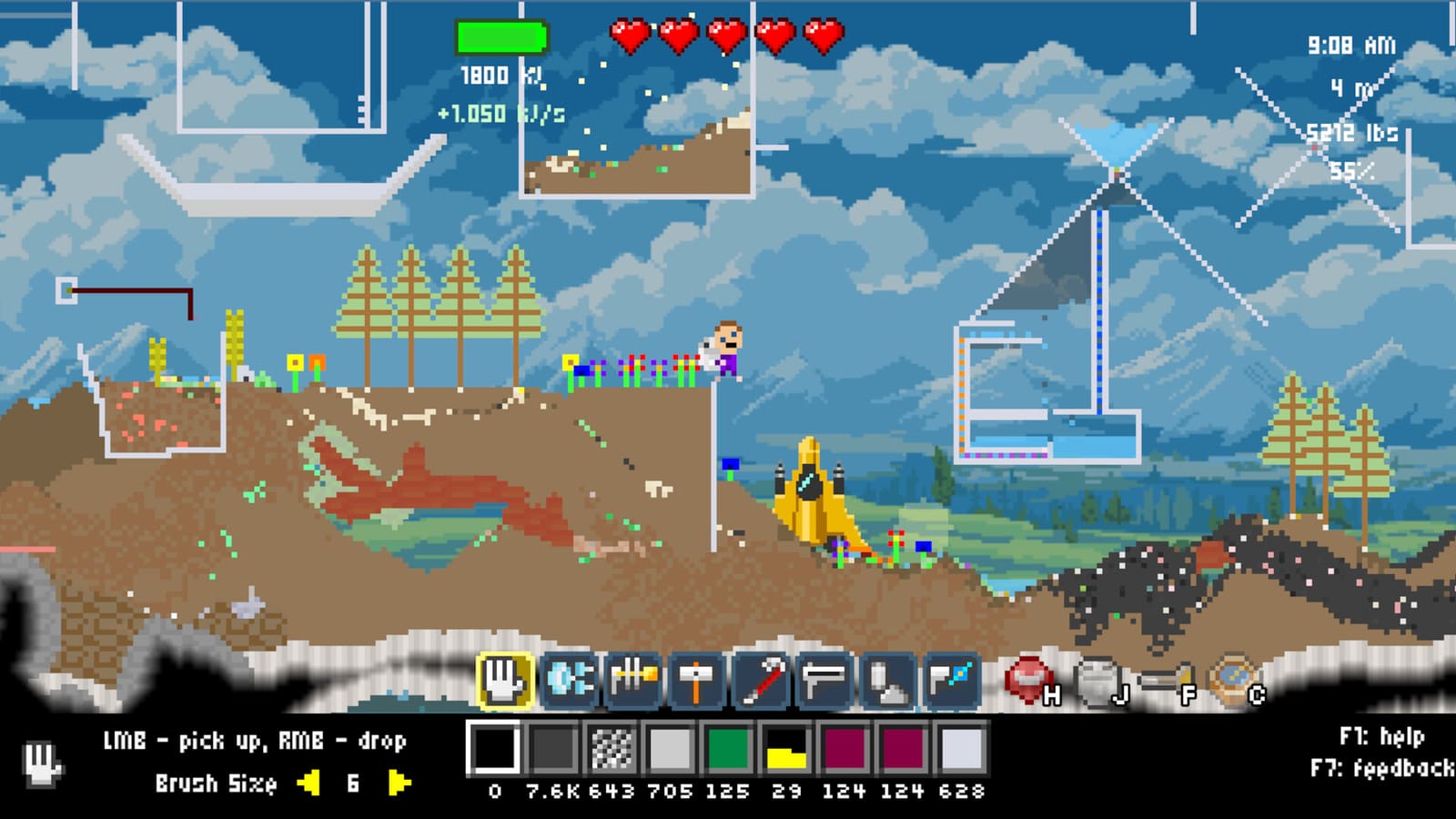
- Survive and learn the tools — How to Play Atomcraft covers WASD movement, Enter to interact, F for flashlight, F1 Help, Material Guide tracking, drill tiers from Plastic to Copper and beyond, and controller support.
- Master in-game help — How to Use the Help System covers F1 Help, Material Guide, recipe tracking, and finding answers without leaving the sandbox.
- Make charcoal and metals — How to Build a Forge teaches the double clay U-shape, charcoal bottom chamber, Left-Ctrl pixel picking, and early smelting of Cuprite into Copper.
- Climb the metal ladder — How to Make Steel in Atomcraft walks Cuprite → Copper, Cassiterite → Tin, Bronze, Hematite → Iron, then Carbon into molten Iron for Steel.
- Fund research — Restore discovered elements on the ship for Research Points via the spaceship repair guide and the Research Points guide.
- Unlock advanced chemistry — How to Use Electrolysis in Atomcraft covers seawater electrolysis for Lye, Hydrogen, Chlorine, and Hydrochloric acid routes.
- Stop doing everything by hand — How to Automate Machines in Atomcraft introduces conveyors, trapdoors, heaters and coolers, wiring, buttons, sensors, and logic gates.
- Keep your character fed — How to Cook Food in Atomcraft covers heat, safe cooking setups, and why food matters during long digs.
All Atomcraft guide pages
| Guide | Focus |
|---|---|
| How to Play | Controls, Help system, drills, first hours |
| How to Build a Forge | Clay forge, charcoal, early smelting |
| How to Repair the Spaceship | Element restoration and ship progress |
| How to Get Research Points | RP sources and efficient discovery |
| How to Make Steel | Copper, tin, bronze, iron, steel chain |
| How to Use Electrolysis | Seawater products and acid chemistry |
| How to Automate Machines | Mechanical pixels and logistics |
| How to Cook Food | Cooking heat, meals, survival pacing |
| Nuke Launcher | Fallout isotopes, safe blast discipline |
| Radioactivity | Particle Accelerator, Rad Suit, Geiger Counter |
| Material Tracking | Eye-button pins and fog-of-war sparkles |
| NPCs and Trading | Merchants, barter loops, and launch-window economy |
| Spaceship Inventory | Exact transfers, formula search, filters |
| Help System | F1 Help, Material Guide, recipe discovery |
| Advanced Guides | Late-game systems hub and expert workflows |
| Farming & Crops | Grass Seed, animals, slime ranching, surface food economy |
Late-game chemistry guides
Once forges, steel, and ship restoration feel stable, open these launch-window systems next:
- How to Use the Nuke Launcher for controlled fallout farming
- How to Handle Radioactivity for Particle Accelerator and synthetic elements
- How to Track Materials so ore and isotope hunts stop being blind digs
- NPCs and Trading for merchants, barter, and mid-game supply loops
- How to Use Spaceship Inventory for exact element transfers and restoration logistics
- Advanced Guides for the full late-game systems hub and expert workflows
- Farming & Crops for Grass Seed, pens, slime gels, and surface NPC food trade
Core systems at a glance
Drills progress Plastic → Wood → Copper (Copper drills mine cassiterite) → higher tiers. Always upgrade when a rock type stops yielding; the Material Guide eye button helps you track what you still need.
Forges are clay structures: form a double clay U-shape, put charcoal in the bottom chamber, and use Left-Ctrl when you need to pick a specific pixel type from a mixed pile. Charcoal itself comes from piling wood chips, setting them on fire, and letting the inner chips convert.
Research is not a random drop table. When you discover elements and restore them on the spaceship, you earn Research Points that unlock deeper tech. Pair exploration with deliberate restoration trips instead of hoarding samples forever.
Automation uses mechanical pixels—conveyors and trapdoors for movement, heaters and coolers for temperature control, wiring with buttons and sensors, and logic gates for conditions. Automation shines after you understand a recipe by hand.
How to use this wiki while playing
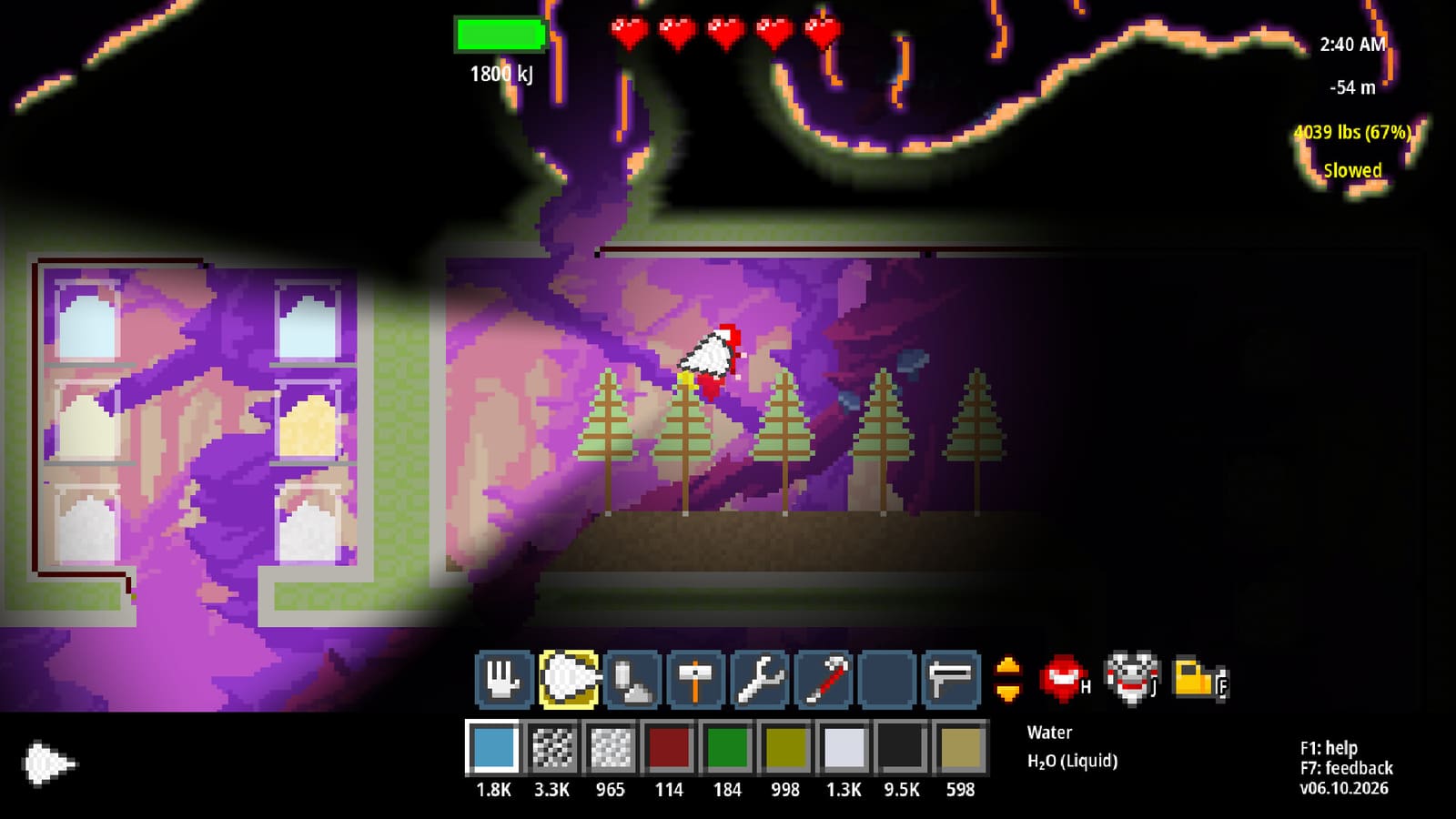
Keep F1 open in-game for official tooltips, then return here when you need a multi-step procedure. The Material Guide with tracking (eye button) is excellent for locating ores; these wiki guides explain why you need them and what to do after you dig them out. Cross-links at the bottom of every page point to sibling guides in this category so you can chain forge → steel → research → automation without searching from scratch.
If you are looking for something outside step-by-step tutorials—material properties, control lists, build showcases—check the other category hubs from the site navigation. This Guides hub stays focused on actionable playbooks for Atomcraft progression.
Tips before you dive in
- Build your first forge near wood and clay so charcoal and repairs stay local.
- Leave room for conveyors when you place forges; relocating a smelting hall hurts more than planning empty corridors early.
- Restore ship elements as soon as you discover them—Research Points compound unlocks faster than stockpiling.
- Use Left-Ctrl pixel selection whenever charcoal, ore, and ash share a chamber.
- Controllers are supported if you prefer a gamepad; keyboard players should memorize WASD, Enter, F, and F1 early.
Ready? Open How to Play Atomcraft for the full starter path, or skip ahead to whichever bottleneck is blocking your current save.
Frequently Asked Questions
Quick answers tied to this page.
Where should a new Atomcraft player start?
Begin with How to Play Atomcraft for controls and drill tiers, then build a forge and smelt Cuprite into Copper before chasing Research Points.
Do these Atomcraft guides spoil the whole story?
They focus on systems, recipes, and progression loops—drills, forges, ship restoration, electrolysis, and automation—not narrative plot beats.
How do Research Points work in Atomcraft?
You earn Research Points by restoring discovered elements on the spaceship. See the Research Points and spaceship repair guides for the full loop.
When should I automate in Atomcraft?
Automate after you can perform a recipe by hand. Mechanical pixels shine once charcoal, ore feed, and temperature control are understood.
Is Atomcraft playable with a controller?
Yes. Atomcraft supports controllers in addition to keyboard and mouse. WASD, Enter, and F remain the core keyboard bindings called out in How to Play.