Atomcraft Heat System: Walls, Heating Elements, and Freeze Ray After May 2026
Master the May 2026 Atomcraft heat update: persistent temperature, double-wall containment, Heating Element R tiers, Freeze Ray cooling, and the July 2026 Heat Insulator fix.
Heat stopped being a background effect in Atomcraft when the May 2026 Heat System Update landed. Temperature now lingers inside materials, walls decide whether your forge stays hot, and electric heat sources gained precise tiers. This page explains how to design around the modern heat model — Heating Element levels, Freeze Ray cooling, Heat Insulator walls, and the layout habits that keep forges hot and living quarters cold.
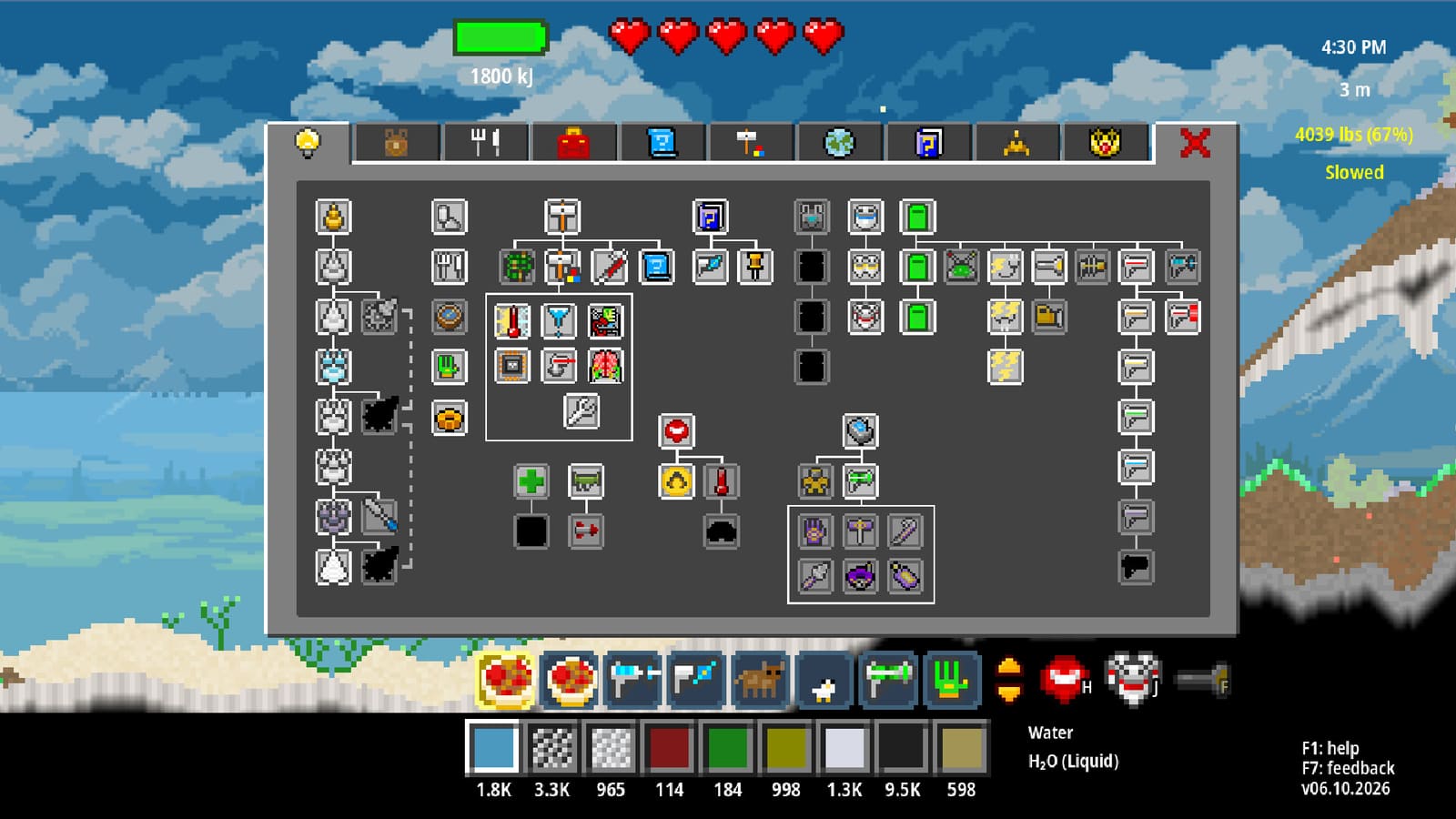
What the May 2026 heat update changed
Before the update, heat felt like it vanished the moment you looked away. Post-update Atomcraft treats temperature as stored state inside pixels:
- Heat and cooling persist longer in materials. A clay wall that soaked forge heat stays warm through several work cycles; a chilled acid bath stays cold long enough to finish sensitive chemistry.
- Walls affect heat transfer. Single-thickness barriers leak; double walls contain heat well when you leave an air gap or insulator layer between them.
- Heat bleeds less far through air. Open pits still radiate, but distant camp pixels are safer if you respect distance and insulation.
These three changes reward deliberate factory geometry instead of “more Charcoal and hope.” Cross-check ongoing tweaks on the patch notes page.
Heating Element: four levels on one block
The Heating Element is Atomcraft’s electric furnace spine. After the update, power tiers live on one block:
- Place or select a Heating Element.
- Press R (before or after placing) to cycle output: 500 → 1000 → 1500 → 2000.
- Wire power from your grid; match tier to recipe needs.
The old Minor Heating Element was removed — do not hunt for a separate low-tier part. Tap R instead of cluttering blueprints with duplicate blocks. See hotkeys if you rebound interact keys.
Typical tier uses:
- 500 — gentle preheat, aqueous stages, keeping blenders warm without flashing acids.
- 1000 — mid alloy work, secondary forge bays.
- 1500 — primary smelt lanes after copper.
- 2000 — Buried City ores and high-temperature mixes when cooling is ready on the far side.
Pair tier choice with forge designs so Charcoal lanes and electric lanes do not fight each other.
Freeze Ray: biome 4 cooling tool
Freeze Ray unlocks as a biome 4 upgrade. It is not early-game luxury — it is how you freeze water into ice and cool hot reactant pools without rebuilding entire chutes.
Use Freeze Ray when:
- A limestone acid run overheated and you need instant local cooling.
- You want ice buffers beside noble-gas blankets (cooling and noble gases).
- A wiring-timed door dumps product into a pool that must drop temperature before the next reagent arrives.
Freeze Ray complements passive cooling; it does not replace Heat Insulator walls or double-wall forge shells.
Heat Insulator: trust it again after July 2026
Heat Insulator had a rough launch window — players reported heat sneaking through insulated tiles. A July 2026 bugfix made insulation much more effective. If you abandoned Heat Insulator in an older save, retest it:
- Line forge exteriors with Heat Insulator facing living space.
- Sandwich insulator between double clay or stone walls on hot reaction cells.
- Separate wiring trunks from heated chambers using insulator bulkheads (wiring and logic).
Insulator is cheaper than rebuilding camp after a runaway Charcoal fire.
Double walls and air gaps
The May update made wall physics readable. Build like a thermos:
- Inner wall — hot-side clay or stone touching the process.
- Gap — one-pixel air, noble gas, or Heat Insulator.
- Outer wall — structural shell facing jetpack lanes and storage.
Double walls without a gap still help, but the gap plus insulator combo is the community standard for Buried City cells. Because heat bleeds less through air now, gaps actually matter — a single open door can still equalize a room fast.
Charcoal forges vs electric heat
Charcoal double-U forges remain the early backbone (how to build a forge). Electric Heating Elements scale cleaner once Research Points unlock automation and you wire a stable factory spine (power grid).
Suggested split:
- Charcoal bay — Cuprite, early copper, emergency heat when power fails.
- Electric bay — repeatable tiers, timer wiring, ore dropper feeds.
- Cooling spine — Freeze Ray pockets, noble-gas caps, quench doors.
Document which bay owns which recipe so Material Tracking sparkles match the right lane.
Video: forge heat in motion
The mid-page video shows forge heat and material flow — the same separation logic electric tiers depend on.
Pause when nested clay walls and fuel channels appear, then mirror that separation with Heating Element tiers on the electric side.
For automated smelt timing with doors and droppers, see the automation context in wiring and logic and community machine tours that use embed IQ5GJuc57As on other wiki pages.
Power and timing
Heating Elements draw from your factory grid. Before scaling to 2000 tiers:
- Confirm generation headroom on the power grid guide.
- Stagger element activation with wiring delays so everything does not spike at once (wiring and logic).
Wrong: ten 2000-tier elements on one trunk with no delay. Right: two active smelt cells, insulator bulkhead, cool-side wiring spine.
Example hot cell layout
- Inner clay U with Charcoal or 1500-tier Heating Element.
- Heat Insulator ring plus double outer clay wall.
- Side door wired to admit ore only when tier is stable.
- Product chute into a pool with Freeze Ray alcove.
- Noble-gas cap optional above volatile melts.
- Vent door on the cold spine, not through camp air.
This cell is boring on purpose. Atomcraft rewards heat discipline that never melts ship crates.
Layout checklist
- Heating Element tier labeled mentally (500/1000/1500/2000) before wiring.
- Double wall plus insulator around hot cells.
- Freeze Ray alcove beside pools that accept timed dumps.
- Charcoal forge separated from ship restoration crates.
- Cool chute exits away from jetpack spawn.
- Patch notes bookmarked for future heat tweaks.
Troubleshooting
- Camp warms up overnight: single-thickness wall; add gap and Heat Insulator.
- Pool never cools: no Freeze Ray stage; add ice buffer or extend cooling lane.
- Element too weak or strong: press R — you may still be on 500 when the recipe wants 1500.
- Looking for Minor Heating Element: removed; cycle R on standard Heating Element.
- Automation cooks itself: move mechanical pixels to cool side of insulator bulkhead.
- Heat jumps through insulator: confirm you are on a post–July 2026 build; older saves needed the insulation bugfix.
Cross-links
- Cooling and noble gases
- Forge designs
- Wiring and logic
- Power grid
- How to build a forge
- Hotkeys
- Patch notes
Atomcraft heat is finally predictable enough to engineer. Build double walls, cycle R with intention, and keep Freeze Ray ready for the pools that refuse to wait.
Frequently Asked Questions
Quick answers tied to this page.
What changed in the May 2026 Atomcraft heat update?
Heat and cooling persist longer in materials, walls affect transfer (double walls contain heat well), and heat bleeds less far through air — so layout and insulation matter more than before.
How do I set Heating Element power levels?
Press R before or after placing to cycle 500, 1000, 1500, and 2000. The Minor Heating Element was removed; one block covers all tiers.
When should I use Freeze Ray?
After the biome 4 upgrade, use it to make ice, cool overheated reactant pools, and rescue timed automation dumps that arrive too hot.
Is Heat Insulator worth using now?
Yes. A July 2026 bugfix made Heat Insulator much more effective. Sandwich it in double-wall forge shells and between hot cells and wiring trunks.
Charcoal forge or Heating Element?
Charcoal double-U forges carry early smelting; Heating Elements give repeatable electric tiers once power and wiring are online. Most mid-game bases run both in separate bays.