How to Repair the Spaceship in Atomcraft
Restore elements, earn Research Points, and reopen ship systems
How to Repair the Spaceship in Atomcraft
Repairing the spaceship is Atomcraft’s long-term backbone. You are not only surviving a reactive planet—you are rebuilding the vessel that frames progression. This guide explains how spaceship repair works through restoring discovered elements, why that restoration awards Research Points, and how to plan digs, smelting, and return trips so ship work never stalls. Cross-check How to Get Research Points in Atomcraft and the Guides hub while you follow along.
The repair fantasy in plain terms
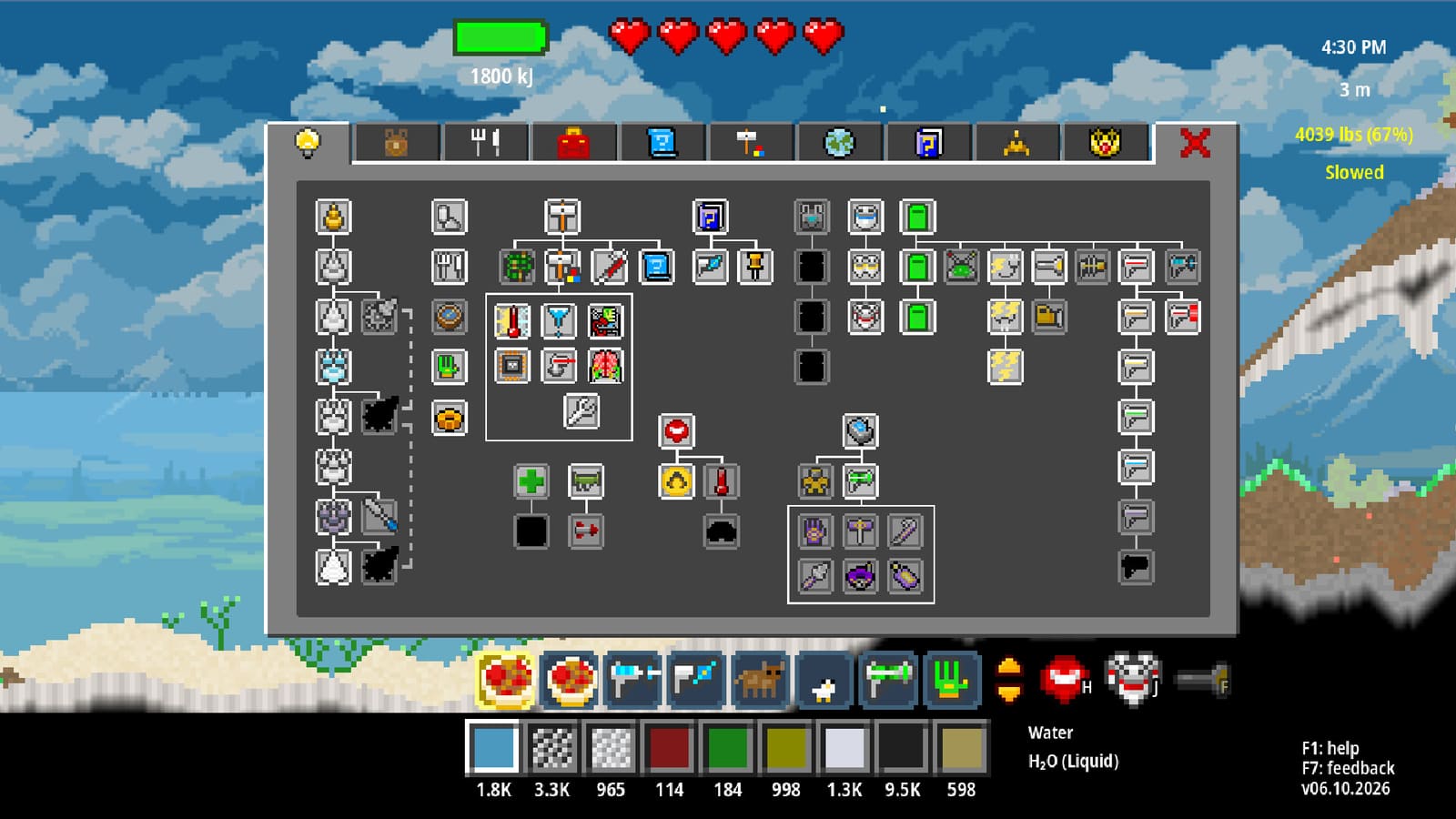
Atomcraft ties discovery to reconstruction. When you identify elements in the world—through mining, smelting, reactions, or exploration—you can restore those elements on the ship. Each meaningful restoration pushes ship systems forward and pays Research Points that unlock further tools and chemistry. Ignoring the ship turns Atomcraft into endless digging; engaging the ship turns every new pixel into progression.
Treat the wreck as a checklist board. After a successful forge session or cave run, ask: which newly understood materials can be committed to the ship today?
Prerequisites before serious restoration
- Comfort with movement and interaction: WASD, Enter, F flashlight for dark ship interiors, F1 Help when a panel confuses you (How to Play Atomcraft).
- A working forge so metals and processed materials exist when the ship needs them (How to Build a Forge in Atomcraft).
- Material Guide tracking (eye button) aimed at elements you still must discover for the next restoration batch.
- Food for longer expeditions—cooking guide linked below—so return trips do not fail to hunger.
You do not need full automation to start repairing, but labeled storage for “ship-bound samples” versus “factory feedstock” prevents you from smelting away the last copy of something the vessel still needs.
Discovery → restore → Research Points
- Discover an element or material in the field or laboratory.
- Secure a sample and note it in your mental (or tracked) list.
- Return to the spaceship and restore that discovered element where the ship accepts it.
- Collect Research Points and unlock the next tier of capabilities.
- Reinvest unlocks into better drills, chemistry (including electrolysis), and eventually mechanical pixels for automation.
This loop is why the Research Points guide and this repair guide sit side by side: repair is the action; Research Points are the reward currency.
Planning efficient restoration runs
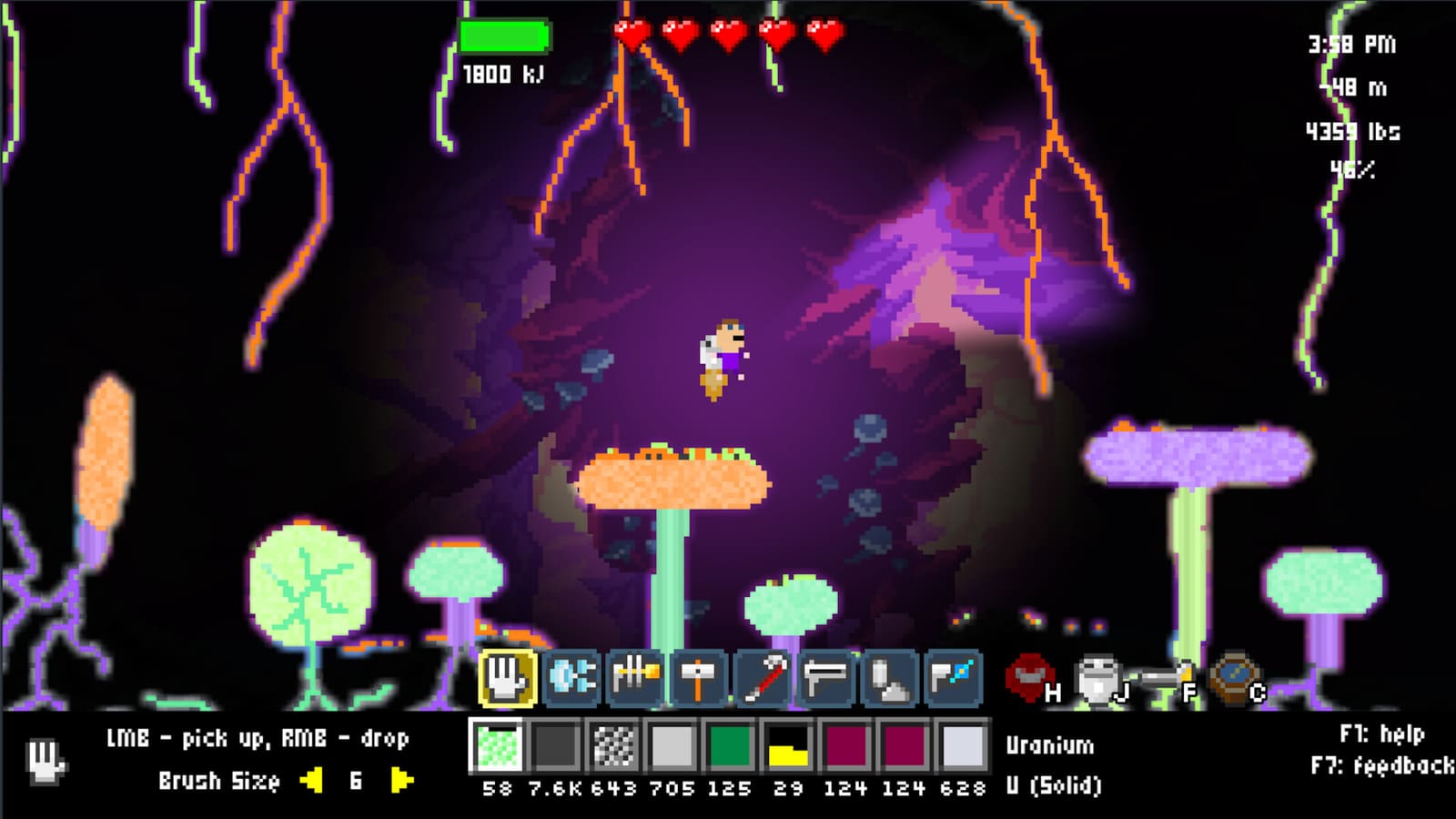
Batch your ship visits. Leaving the forge every time a single pixel changes wastes travel. Instead, run a smelting or electrolysis session, park products in a ship crate, then restore several elements in one visit. Use the flashlight (F) inside dim hull sections so you do not miss interaction points. Enter interacts with restoration interfaces—stand close and confirm you are delivering the intended material, using Left-Ctrl if inventories are mixed.
When the Material Guide shows a tracked element, prioritize a dig that finishes that discovery before starting unrelated megaprojects. Copper drills unlocking cassiterite, Iron from Hematite, and Steel from Carbon-in-molten-Iron are not only tool upgrades—they often gate materials the ship cares about. See How to Make Steel in Atomcraft for the metal ladder.
What to prepare in your base for ship work
Create three zones:
- Discovery bench — temporary storage for unfamiliar pixels until identified.
- Ship courier chest — only materials intended for restoration.
- Industrial stock — charcoal, ores, and metals for tools and builds.
This separation matters once electrolysis enters the picture. Seawater products such as Lye, Hydrogen, and Chlorine (and routes toward Hydrochloric acid) are hazardous to store beside open charcoal pits. Keep wet chemistry away from the forge hall as described in How to Use Electrolysis in Atomcraft.
Mid-game: repair pace versus factory pace
Players often overbuild conveyors before the ship has the Research Points to make advanced parts practical. Invert that priority when stuck: restore elements, bank Research Points, then expand factories with mechanical pixels from How to Automate Machines in Atomcraft. Automation should multiply a recipe you already understand—not replace ship progression.
Conversely, do not restore so aggressively that you empty your only Copper before crafting the Copper drill. Keep tool buffers. The ship wants discoveries; your body still needs a working dig kit and cooked food from How to Cook Food in Atomcraft.

Exploration tips that feed ship repair
- Track missing elements with the Material Guide eye button before long cave trips.
- Bring charcoal-backed metal tools appropriate to the rock tier (Plastic → Wood → Copper → higher).
- Note reactions you trigger accidentally—new products may be restore candidates.
- Photograph mental landmarks: ore veins near clay, seawater access for electrolysis, safe loops back to the hull.
- On controller or keyboard, keep interact comfortable; missed Enter presses are a common “why won’t it restore?” false alarm.
Spaceship Inventory transfers and formula search
Ship repair runs move faster when inventory management keeps pace with discovery. Two launch-window upgrades matter here:
- Transfer specific pixel counts (June 2026) — Move exact quantities between ship storage and your courier chest instead of dumping entire stacks. Useful when you need one restoration sample but want the rest of a metal batch left in industrial stock.
- Formula search modes in ship inventory (July 2026) — Name Only, Formula Only, and Name+Formula filters help you find the right element in a crowded hull without scrolling every discovered pixel.
For the full workflow — slot layout, transfer shortcuts, and search toggles — see How to Use Spaceship Inventory in Atomcraft.
Troubleshooting spaceship repair
No Research Points after a trip — Confirm you restored a newly qualified discovery on the ship rather than only storing materials in the base.
Cannot interact with a ship slot — Move closer, press Enter, check lighting with F, and verify you are holding the correct pixel type (Left-Ctrl).
Missing an element — Use F1 Help plus Material Guide tracking; then mine or synthesize it via forge or electrolysis routes.
Progress feels gated — You may need a higher drill tier or a metal you have not smelted yet. Revisit forge and steel guides before blaming the ship UI.
Suggested repair session checklist
- Tracked two or more missing elements before leaving base.
- Forge produced any metals those elements require.
- Courier chest loaded; industrial stock left intact for tools.
- Ship interiors lit with F; multiple restorations completed in one visit.
- Research Points spent or noted toward the next unlock.
- Food restocked for the following dig.
Spaceship repair in Atomcraft is a rhythm: discover in the world, restore on the hull, spend Research Points, dig deeper. Keep that rhythm tighter than your ore stockpiles and the planet starts working for the ship—not the other way around.
Frequently Asked Questions
Quick answers tied to this page.
How do you repair the spaceship in Atomcraft?
Discover elements in the world, then restore those discoveries on the spaceship. Successful restoration advances ship systems and awards Research Points.
Do I need a forge before repairing the Atomcraft ship?
You can begin early restorations sooner, but a working forge is essential for metals and processed materials many mid-game ship repairs expect.
Why should I batch spaceship restoration trips?
Batching several discoveries into one ship visit saves travel time and keeps forge or electrolysis sessions productive before you commit samples.
What if I cannot find the next element for ship repair?
Enable Material Guide tracking with the eye button, check F1 Help, upgrade drills along Plastic → Wood → Copper → higher, and review forge or electrolysis recipes.
How does ship repair relate to Research Points?
Restoring discovered elements on the spaceship is the core way to earn Research Points that unlock deeper Atomcraft technology.