Atomcraft Controller Guide — Gamepad Digging and Building
Atomcraft controller layout: left stick move, right stick aim, RT tool, LT pickup, bumpers, D-pad materials, Y hub, hover mode tips.
Atomcraft Controller Guide
Gamepad play in Atomcraft is fully viable for exploration, combat-adjacent survival, and even careful factory work if you master hover mode. This page details the default controller map and how it maps onto chemistry tasks described in Materials and Builds.
Skim the Controls hub first, then keep Hotkeys open while you rebind edge cases in settings or Steam Input.
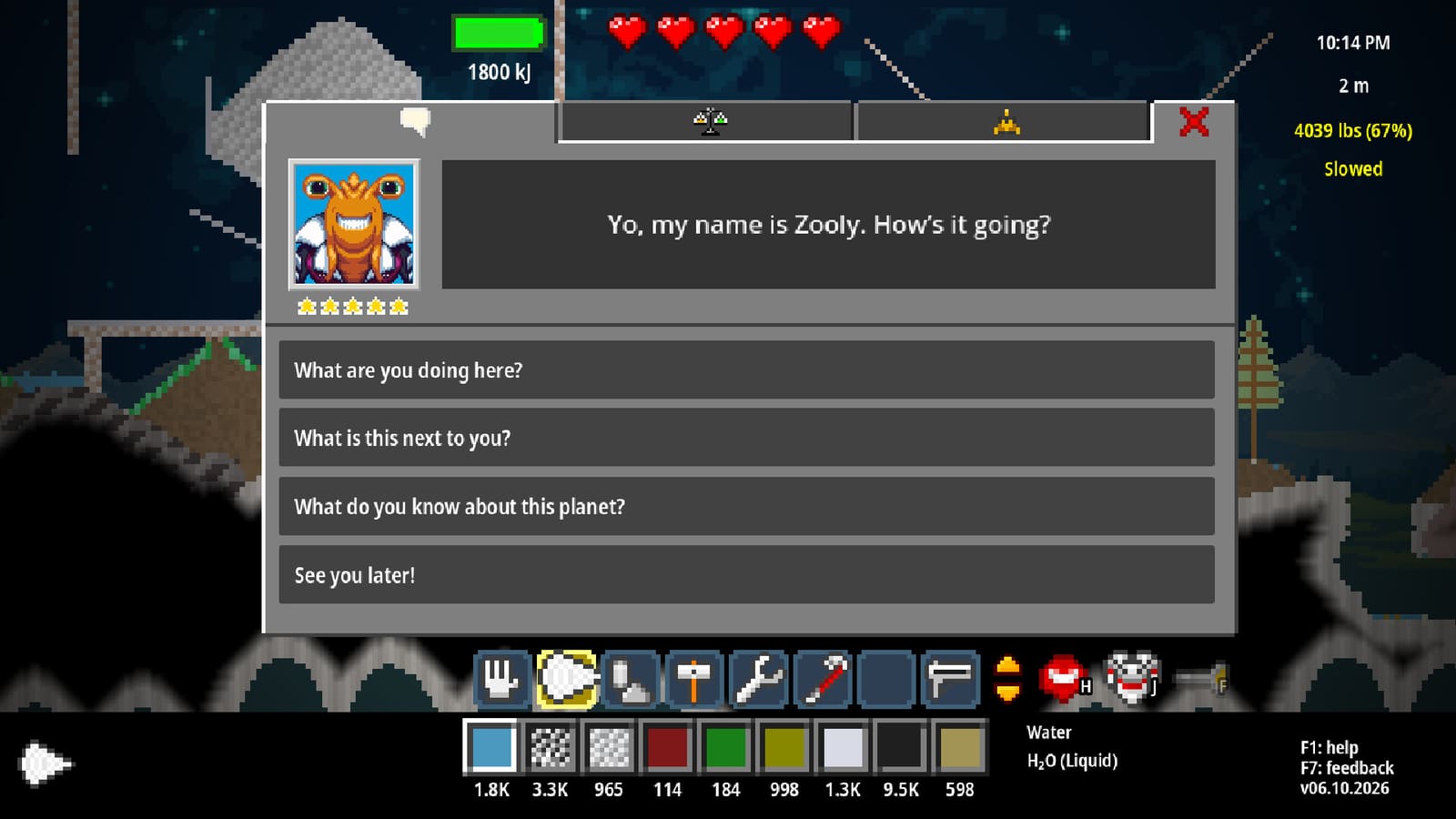
Default Stick and Trigger Map
| Input | Action |
|---|---|
| Left stick | Move |
| Right stick | Aim |
| RT | Use tool |
| LT | Hand pickup / drop |
| LB / RB (bumpers) | Tool slots |
| D-pad | Material slots |
| Y | Hub |
| A | Jump |
| X | Interact |
| Right stick click | Hover mode |
Movement with the left stick should stay gentle near forges. RT digs or places depending on the active tool — bumper to the correct drill before limestone, exactly as keyboard players must swap tools via Tools tiers.
Aim and Hover Mode
Right stick aim is continuous. For pixel-perfect forge lips, wiring, and acid basin edges, click the right stick to enter hover mode. Hover reduces the feeling that the cursor is ice-skating across your Charcoal pile. Practice hover on harmless sand Glass experiments before HF day.
If hover feels inverted or sluggish, check controller settings and system deadzones. Prefer small deadzones for building; larger deadzones for chaotic cave fights if aim shake bothers you.
Triggers: Tool versus Hand
RT commits the tool action — dig, spray, place, cut. LT manages hand pickup and drop for loose items and careful carrying. Mixing them up mid-reaction drops feedstock into the wrong basin. Call the triggers out loud during your first Sulfuric Acid carry: “LT lift, move, LT drop,” then RT only when tools must act.
Bumpers and D-pad: Loadout Muscle Memory
Bumpers rotate tool slots. Fill them deliberately:
- Soft digger / general tool
- Hard drill (Bronze/Steel as available)
- Builder / placer
- Specialty (wiring, extinguisher, etc.)
D-pad rotates material slots. Suggested early set: Wood, Charcoal, Cuprite/Copper, clay or sand. Mid-game swap in Iron, Carbon source, Sulfuric Acid, HF — never leave HF selected while exploring with RT held.
This loadout thinking mirrors the Reactions Cheatsheet order: you equip the chemistry you intend to perform.
Face Buttons
- A jumps for ledges and ship geometry.
- X interacts — machines, doors, contributions — keyboard Enter equivalent.
- Y opens the hub for broader menus and navigation between systems.
Interact with X the same way keyboard players use Enter: face target, single press, verify. Double taps toggle doors in ways that strand friends in co-op-like chaos even in single-player bases.
Controller Session for Chemistry
- Surface warm-up: left stick orchard loop, bumper to wood tool, D-pad Wood, RT chop.
- Pipette alternative: when sampling is easier on keyboard, consider hybrid play; otherwise use material slots preloaded from known piles.
- Forge night: hover mode on, RT place clay, D-pad Charcoal, careful RT fueling.
- Cave run: A jump disciplined, right stick aim at ore sparkles from F1 pins (open Help via hub if needed), flashlight bind confirmed in settings.
- City run: Y hub for map checks (Map, X on points of interest.
Hybrid Keyboard + Controller
Some players move with a pad and pipette with a mouse. Atomcraft allows comfort experimentation. If you hybridize, write your scheme down beside Keyboard notes so patch day does not erase memory.
Common Gamepad Failures
- RT held while walking across sorted ores → accidental digging of Steel stock.
- HF on D-pad selection while trying to place glass → tragedy.
- Forgetting hover mode, miswiring electrodes (Builds).
- Jumping with A into a melt because interact was needed instead of X.
Fix with slower sticks near bases and verbal checklist before rare crafts in Rare Elements.
Cross-Links
Controller Atomcraft is about deliberate triggers. Move with the left stick, think with the D-pad, dig with RT, and click hover before you trust a precision build.
Frequently Asked Questions
Quick answers tied to this page.
How do I move and aim on controller?
Left stick moves; right stick aims. Click the right stick to toggle hover mode for precise work.
Which trigger uses the tool?
RT uses the active tool. LT is hand pickup and drop.
How do I change tools and materials?
Bumpers cycle tool slots; the D-pad cycles material slots. Preload them before dangerous chemistry.
What does Y do?
Y opens the hub for menus and broader navigation between game systems.
What button interacts with machines?
X interacts, similar to Enter on keyboard. Face the target and press once.